


Play971 Login and Registration
Nobody gets waved through the door at Play971. The GCGRA licence behind the platform comes with three hard conditions, and every one of them shows up somewhere between the Register button and your first spin. You’re 21 or older. You’re standing, sitting or lying somewhere inside the Emirates while you play. And you can prove who you are with the one card the country issues to everyone who lives here.
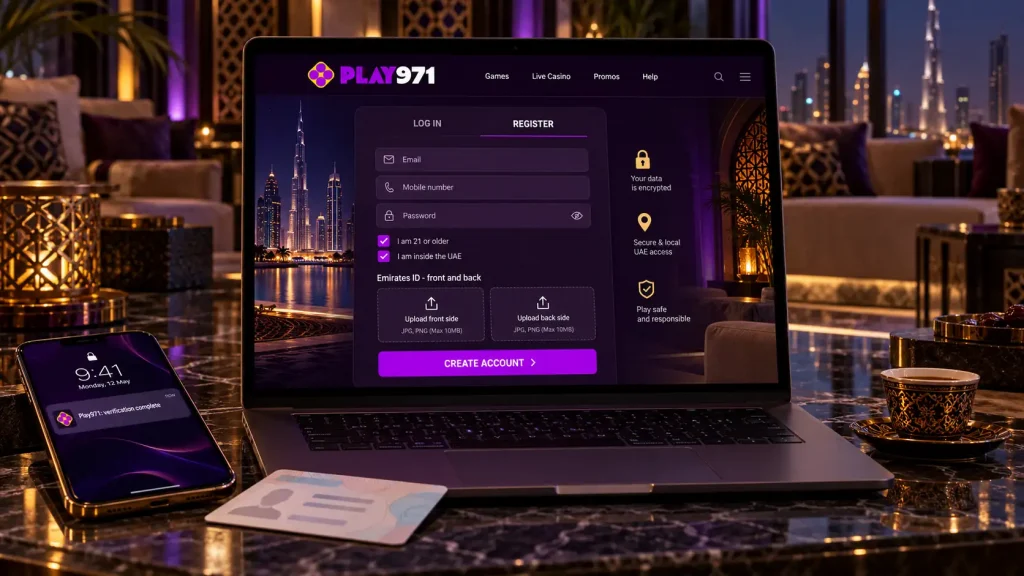
Sounds heavy. In practice it’s about four minutes of form-filling and one photo session with your Emirates ID.
How to Create an Account
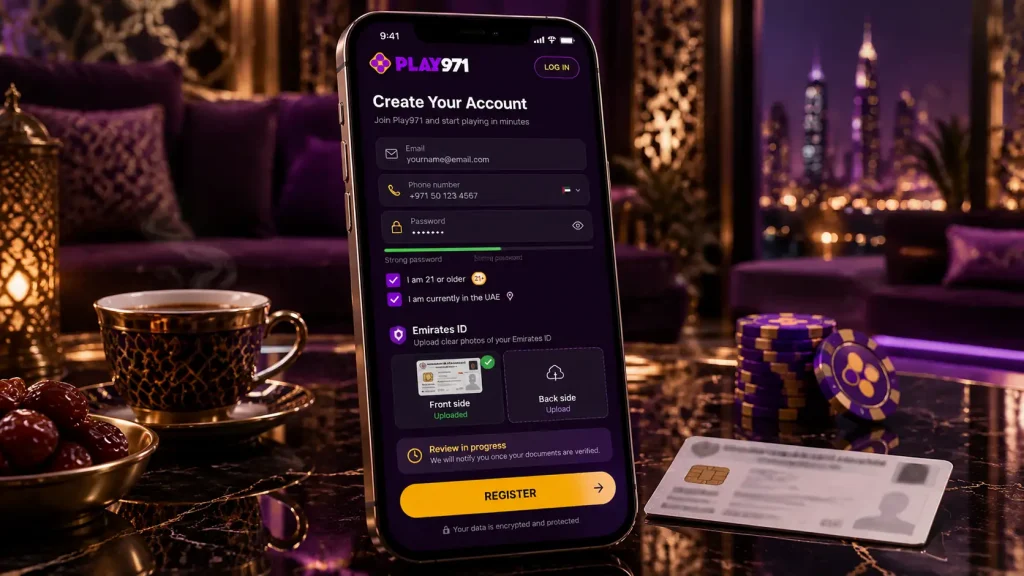
The registration form is short, shorter than what offshore sites throw at you, because the ID card carries most of the information the operator needs. Have your email, your phone and the card itself within reach before you start.
- Hit Register on the homepage;
- Type in an email address, a mobile number and a password you haven’t used anywhere else;
- Tick the boxes confirming your age and that you’re inside the UAE;
- Photograph both sides of your Emirates ID and upload the pair;
- Submit, then give the identity check a little time to finish.
Nearly every delay traces back to the photos. Shoot them in daylight, keep all four corners of the card in frame, and don’t let a lamp bounce a white streak across the chip. Readable at a glance means it passes. Blurred means you shoot it again.
| What’s required | The detail |
|---|---|
| Age | 21 and up |
| Where you are | Inside the UAE, location services switched on |
| ID accepted | Emirates ID, front and back |
| ID refused | Passports, driving licences, any other national card |
| Contact details | A working email and a mobile number |
A few groups can’t register at all, however clean their paperwork. People who work for the operator, its directors, and their close family are out. So is anyone living in a sanctioned country. Visitors to the Emirates are fine as long as they’re physically here when they log in, and citizens may run into extra conditions that depend on their home emirate.
How to Log In
Once the identity check clears, signing in is the easy part. Log In, then the email or phone you registered with, then the password. Before the lobby opens, the site quietly confirms where your device is. Location off? The login stops right there, with a notice asking you to turn it back on.
That location step isn’t a one-time thing. It runs every session, on every device, which is why an account that opened fine on your laptop can refuse you on a tablet where location got switched off months ago. The platform’s own banner spells it out, geolocation has to be on for all customers, and nothing skips it.
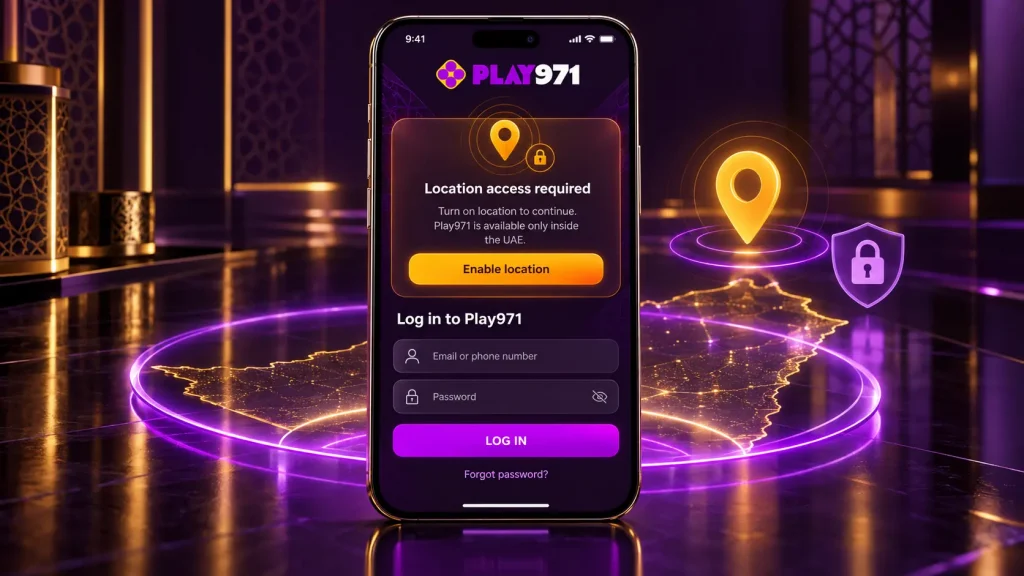
- Sign in with the exact email or number from registration;
- Check location is enabled before you tap the button;
- Log out properly on any phone or computer that isn’t yours;
- Don’t let a shared browser remember the password.
Sessions do stay alive for a while. A phone shortcut will often drop you straight into the lobby, but it still ran the location check on the way in.
Password Recovery and Account Access
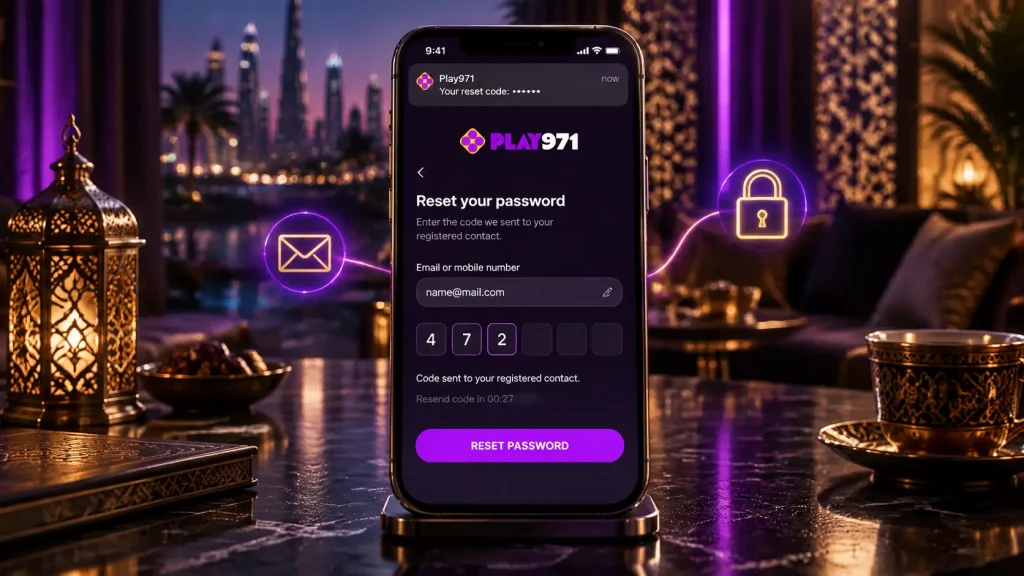
Lost the password? The reset starts on the login screen. Tap the recovery link, enter the email or phone attached to the account, and a message arrives with either a link or a one-time code. It only ever goes to the contact details already on file, which is the whole reason to keep those current.
No message after a couple of minutes? Look in spam first. Then double-check you typed the address or number you actually registered with, not the one you use for everything else. One more request is fine. Firing off five in a row can cancel the earlier ones.
Not every locked door is a password problem, though. A failed location check, an identity review that’s still running, or a time-out or self-exclusion you set yourself will each block a login. Resetting the password fixes none of those. Support can tell you which one applies.
Verification and Account Security
Verification here happens once, not in waves. The Emirates ID you uploaded at registration gets checked, and when it passes, deposits, withdrawals and games all unlock together. The operator keeps the right to ask for more if something in the account’s behaviour looks odd later, but there’s no routine second round of utility bills and bank statements.
Three things hold the account shut against anyone but you. The ID card proves the person behind the account exists. The location check proves each session is happening inside the country. The password is the piece you own, so make it long, make it unique to this site, and keep it somewhere better than a note on the lock screen.
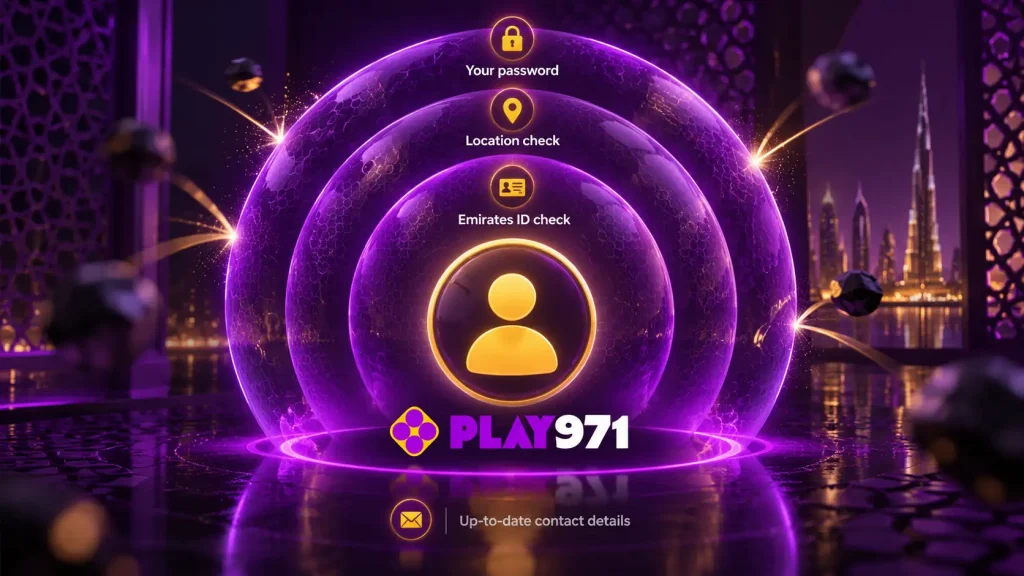
| Layer | What it stops |
|---|---|
| Emirates ID check | Accounts opened in someone else’s name |
| Location check | Logins from outside the permitted area |
| Your password | Anyone who isn’t you getting in |
| Up-to-date contact details | Recovery messages vanishing into an old inbox |
There’s one security headache Play971 simply doesn’t have. No bonuses means no promotional balance for a thief to chase and no bonus-abuse rules to trip over. What’s in the account is your own dirhams, nothing else.
Mobile Login and Support
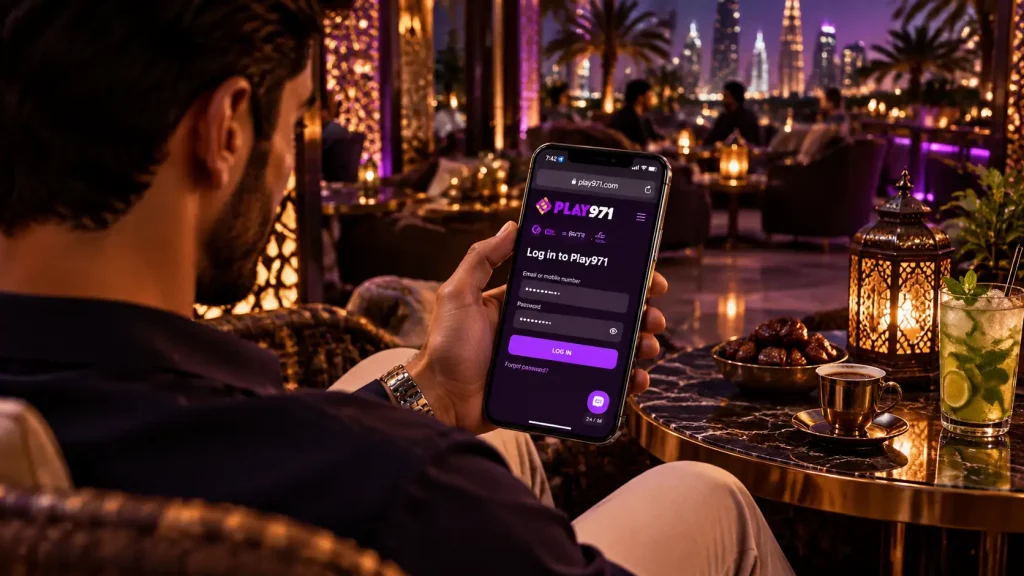
On a phone the login runs in the browser, same fields, same order. Open the site in Chrome if you’re on Android or Safari if you’re on an iPhone, or tap the home screen icon if you’ve already pinned it, then type your details as usual. Two switches have to be on for it to work, the phone’s own location setting and the browser’s permission to use it.
There’s no Play971 app in the App Store and none on Google Play, and no APK either. Anything calling itself a Play971 login app came from someone other than the operator. Leave it alone.
Live chat and email run day and night, in English and Arabic. The situations that usually need them:
- A login that keeps failing even after a password reset;
- An identity check that seems stuck for longer than expected;
- Questions about a time-out or self-exclusion you’ve activated.
Have the email or number on the account ready and describe what the screen says.
Play971 is open only to people aged 21 and over who are inside the United Arab Emirates. Play with money you’ve already decided you can lose, set a deposit limit in the account settings before you need one, and talk to support or the Takalam counselling service if the game starts to feel bigger than a game.