


Play971 App and Mobile Access
Type “Play971 app” into a search bar and you’ll get a page of download buttons. Not one of them comes from the operator. Play971 has never put a native app in the App Store or on Google Play, and it has never handed out an APK. What it runs instead is a mobile build of the website that lives in your phone’s browser and can be pinned to the home screen, where it opens and behaves like an app without ever being one.
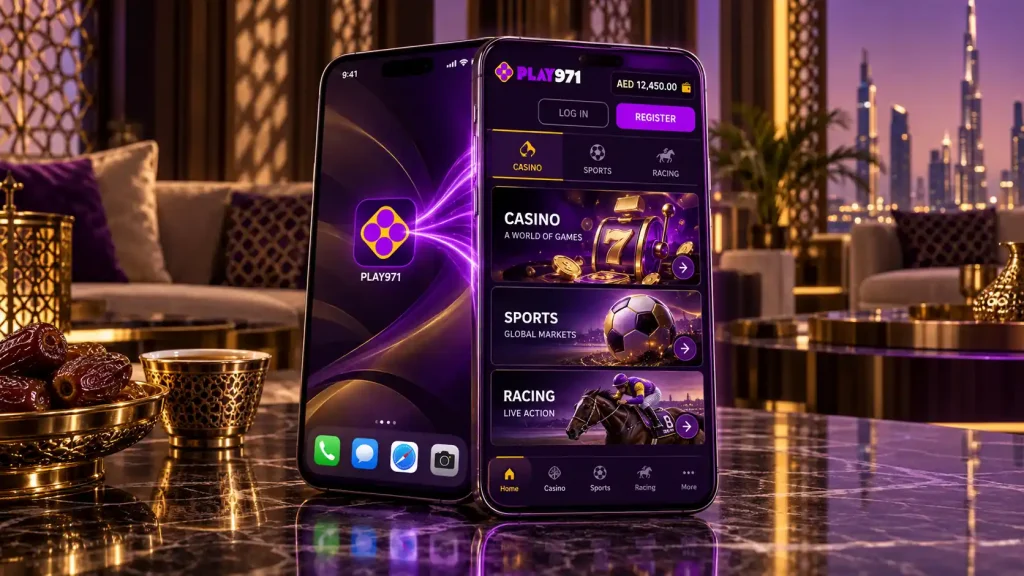
The reason is the licence. Play971 answers to the GCGRA, admits only people aged 21 and over who are physically inside the UAE, and checks location at every login. A browser product keeps all of that under the operator’s own roof. No app store sits in the middle, and there’s no installer file floating around for someone to tamper with and re-upload.
Mobile Access Options
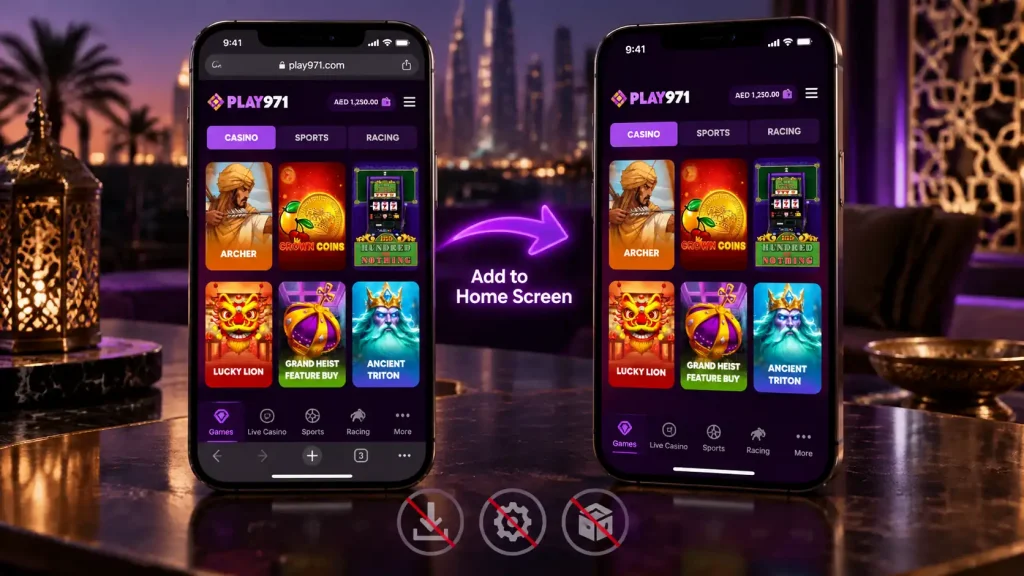
Strictly speaking there are two ways onto Play971 from a phone, and they’re the same thing wearing two outfits. One is opening the site in a browser tab and signing in. The other is adding that site to your home screen, which gives you an icon and a full-screen window with the address bar gone. Same code underneath, same account, same location check.
| Route | Offered | How it opens |
|---|---|---|
| Browser tab | Yes | Like any website |
| Home screen icon | Yes | Full-screen, app-style |
| App Store | No | Never published |
| Google Play | No | Never published |
| APK download | No | Never distributed |
Most people end up on the icon after a week. It skips the typing, keeps you signed in between visits, and puts the platform in the app grid next to everything else you use. Beyond that, there’s no difference at all. Every slot, every live table, every racecard and the whole cashier work identically in a tab and behind the icon.
Anything else wearing the Play971 name should be treated as a stranger. Files on download portals, listings in unofficial stores, installers forwarded in a group chat. Putting one of those on your phone hands the sender whatever you type into it, starting with your login.
Android Access
Chrome is the browser to use on an Android phone. Others will load the site, but Chrome handles the location permission and the home screen icon with the least fuss.
- Open Chrome and load the Play971 site;
- Say yes when the browser asks to use your location;
- Sign in, or register if you haven’t yet;
- Tap the three dots in the top corner;
- Pick the option that adds the page to your home screen and confirm the name.
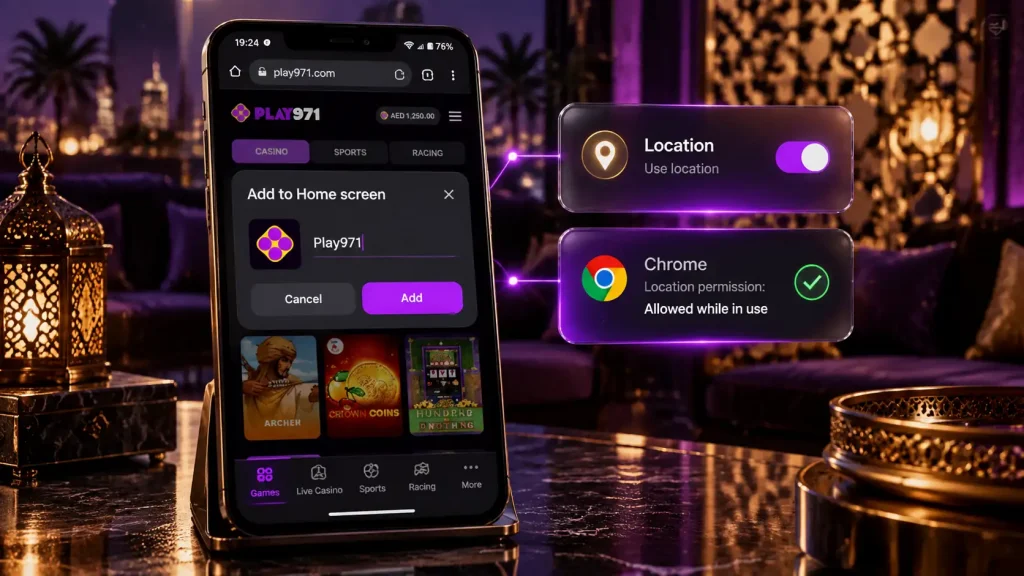
The icon lands on the home screen or in the app drawer, depending on which launcher your phone uses. Tap it and the site opens in its own window with no address bar. If Android asks whether to place the icon automatically or let you drag it, either answer is fine.
Location on Android is a two-switch affair. There’s the system-wide setting for location services, and there’s Chrome’s own permission to use it. Both have to be on. When the site says it can’t confirm where you are, open Settings, make sure Location is enabled, then make sure Chrome is allowed to use it while in use. That fixes it nine times out of ten.
iPhone and iOS Access
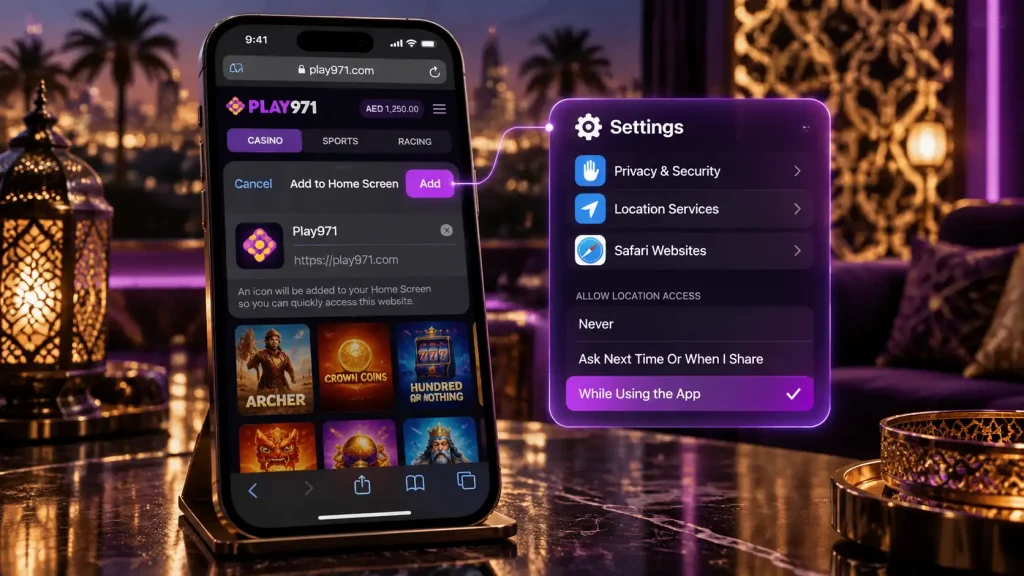
On an iPhone the job belongs to Safari. It’s the only browser on iOS that can create a proper full-screen icon, and shortcuts made from Chrome or Firefox on an iPhone just bounce back into that browser instead of opening standalone.
- Load the Play971 site in Safari;
- Allow location when the prompt appears;
- Sign in, then tap the share button, the square with the arrow poking out of the top;
- Scroll the sheet until you see the option to add the page to your home screen;
- Give it a name and tap Add.
The icon appears on the home screen and opens the site in its own window. Location on iOS lives under Settings, then Privacy and Security, then Location Services, and the entry for Safari websites needs to allow access while using. A site stuck at the location check on an iPhone is almost always waiting for that one toggle.
There is no Play971 listing in the App Store. If something by that name shows up there, it isn’t the operator’s, and the sensible move is to not install it.
Installation or Home Screen Shortcut
Nothing is installed here in the usual sense of the word. The icon is a pointer, and the website is the thing doing the work. That arrangement has three knock-on effects worth knowing.
There’s no update to download, ever. When the operator changes something, the change is live the next time you tap the icon, because the site serves fresh code each visit. The icon takes almost no storage, since all the phone keeps is a picture and an address. And removing it is the same as removing any icon, a long press and a delete, with nothing left behind in the storage settings.
| Aspect | Home screen icon |
|---|---|
| Storage | A picture and a link, a few kilobytes |
| Updates | Automatic, from the site itself |
| Removal | Long press and delete |
| Session | Stays signed in until you log out or it expires |
| Permissions | Location, handled by the browser |
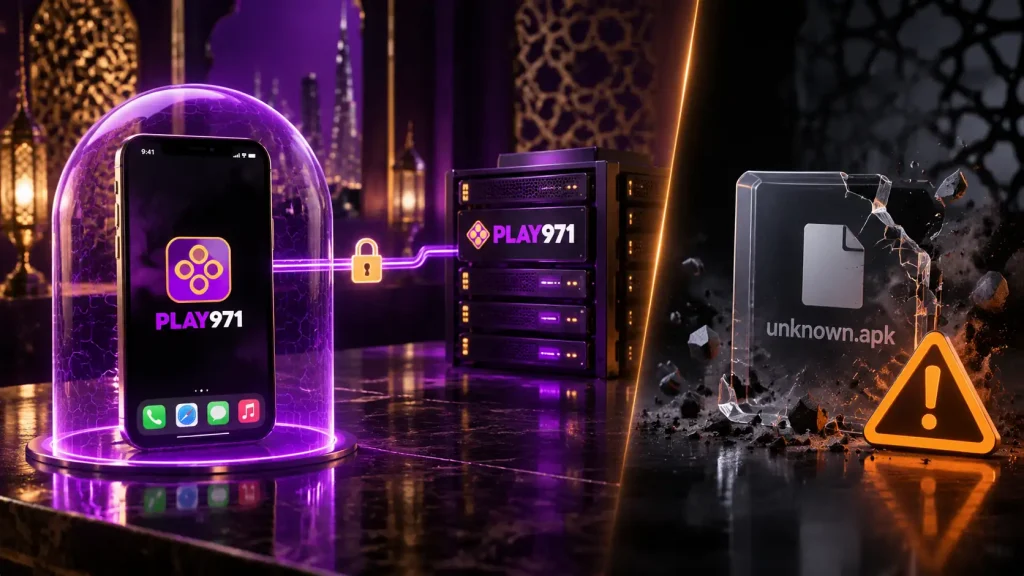
If you’ve used offshore casino APKs before, the difference deserves a pause. An APK is a package your phone unpacks and runs with its own set of permissions, which is exactly what makes a tampered one dangerous. A home screen icon never steps outside the browser’s sandbox. It can do only what a website can do, and it only ever talks to the operator’s own servers.
Login, Updates and Troubleshooting
Signing in behind the icon uses the same email or mobile number and password as the desktop site. The location check runs before the account opens, and once it passes, the cashier, the games and the sportsbook are all there. Forgot the password? Recovery starts from the same login screen, with a reset link or code sent to the contact details on file.
Updates need nothing from you. If the site looks out of date after a change you know went live, the browser is showing a cached copy. Clear the site data for Play971 alone in the browser settings, rather than wiping all browsing data, and it refreshes without logging you out of everything else on the phone.
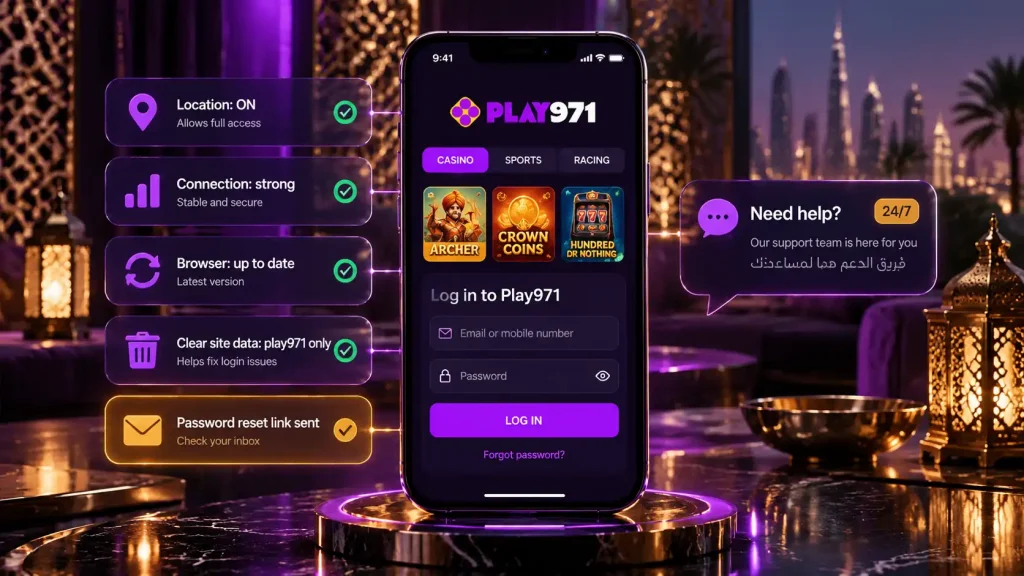
Most trouble falls into a handful of shapes:
- The site stops at the location check, so location is off at the system or browser level;
- A game won’t load, which is usually a weak connection or a browser overdue for an update;
- The icon opens a normal tab, which on an iPhone means it was made from something other than Safari;
- The balance looks wrong, and the cashier is usually still processing a transaction;
- A login keeps failing, which is a job for password recovery rather than a sixth attempt.
When none of those fit, live chat and email are staffed around the clock in English and Arabic, and the quickest route to a fix is to describe what the screen shows and which phone and browser you’re holding. The official Play971 website is the only source of the platform and the only place to sign in. Play971 serves players aged 21 and over who are inside the UAE. Keep play inside a budget, set a deposit limit early, and use a time-out when a session runs longer than you meant it to.